
// Release · August 2026
ViGlance is back, and it runs on Windows 11
Eight years since the last release. This one replaces the whole taskbar.
ViGlance was a Windows 7 taskbar for people stuck on XP and Vista. It shipped in 2012, got a last update in 2018, and then sat there — a solved problem for a Windows nobody ran any more.
Then Windows 11 arrived and took the taskbar away again. You can't move it to another edge. You can't ungroup it, so every window of an app hides behind one icon with no labels. You can't resize it. The things people had been doing to their taskbar since 1995 stopped being options. 1.0.0.1442 is ViGlance answering that — the same idea as 2009, pointed at a Windows seventeen years newer.
What you'll notice
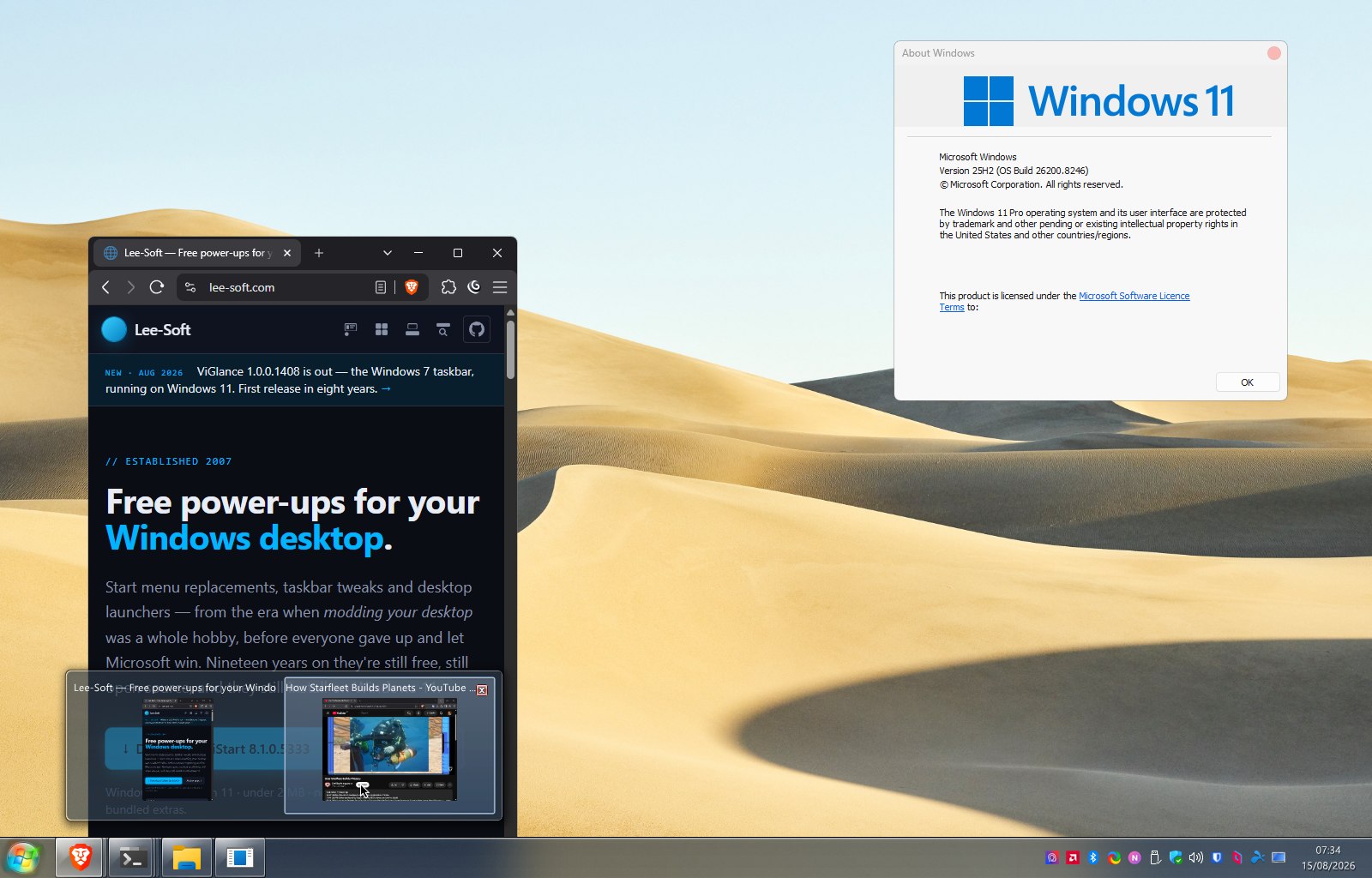
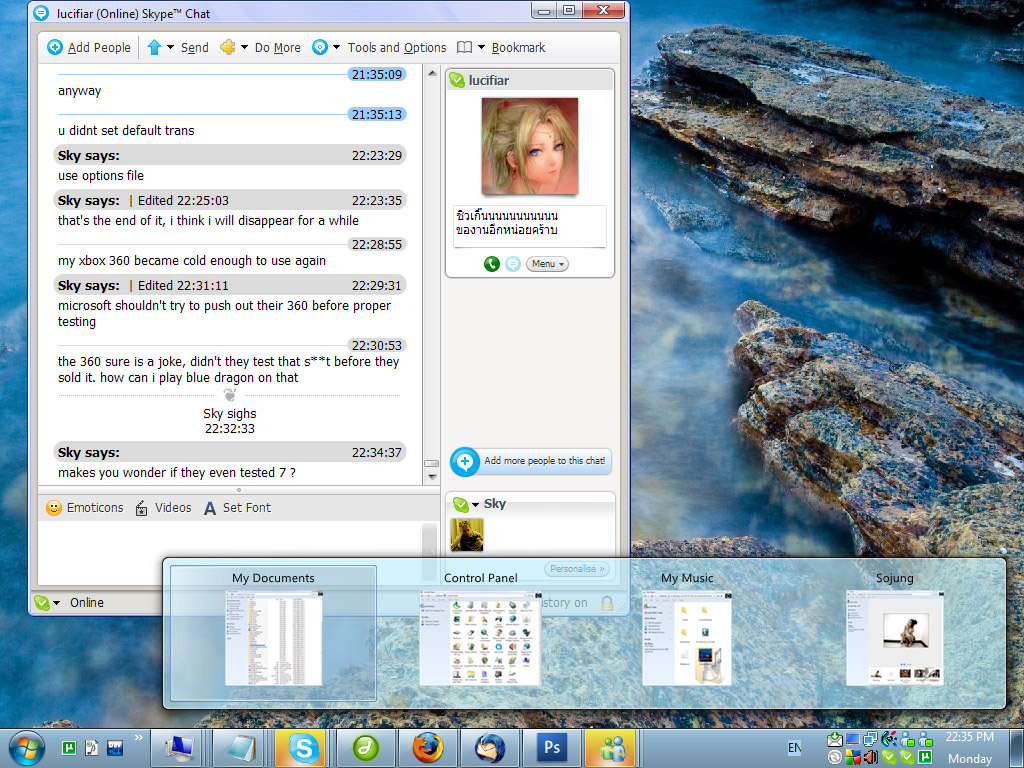
- Live window previews. Hover a grouped icon and you get moving thumbnails of the real windows — not screenshots taken earlier, the actual windows, updating. That's the bit of Windows 7 people miss most and it works properly here.
- It replaces the taskbar, not just part of it. The task bands, the start orb, the notification area and the clock are all ViGlance now. Your real taskbar goes away and this takes the edge of the screen instead — maximised windows still stop above it, the way they should.
- Your tray icons come with you. While ViGlance is running it hosts the notification area itself, so the apps you keep down by the clock still appear down by the clock.
- Real Windows 11 glass. A frosted, blurred bar rather than a painted-on imitation, tinted however the skin asks for it.
- Skins are just folders again. Drop a folder into
Skins\with askin.xmlin it and ViGlance loads it. No installer, nothing in the registry, nothing to register — the Winamp arrangement, which was always the right one. - Drag a shortcut onto the bar to pin it, drag pinned items to rearrange them, and jump-lists off the icon.
It's a work in progress, and I'd rather say so
This is a first port. The bar, the bands, the previews, the tray, the clock and the orb all work, and it's what I run on my own machine — but I'm not going to pretend it's finished.
What isn't there yet: ViGlance has no start menu of its own, so the orb opens the one Windows already has. There's no options screen for picking a skin — it's a line in a text file for now. Taskbars docked to the left or right edge aren't supported, only top and bottom. And Windows' own volume, network and battery icons aren't things an app is allowed to host, so those live behind Win+A instead.
If you want a Windows 7 start menu to go with it, that's a different app of mine — ViStart — and the two are built to sit together.
One installer, every Windows
The same download runs on XP, Vista, 7, 8, 10 and 11. Where an old Windows doesn't have something the new code asks for, ViGlance notices and carries on rather than falling over — so the machines that have been running it since 2012 aren't left behind by a release aimed at Windows 11.
To quit it, right-click any task band and choose Exit. It puts your real taskbar back on the way out.
The source is on GitHub — twenty-eight commits of porting work, in the open, if you'd like to see how a 2009 codebase gets talked into running on Windows 11.
Free, no sign-up, no bundled extras. Direct link to the installer if you'd rather skip a step.