New · Aug 2026 ViGlance is back — the Windows 7 taskbar, running on Windows 11. First release in eight years. →
// Established 2007
Free power-ups for your Windows desktop.
Start menu replacements, taskbar tweaks and desktop launchers — from the era when modding your desktop was a whole hobby, before everyone gave up and let Microsoft win. Nineteen years on they're still free, still open source, and they still install on Windows 11.
Windows XP through 11 · under 2 MB · no sign-up, no adware, no bundled extras.
The apps
Four utilities, all open source, all still install on modern Windows.
ViStart
A Windows 7-style start menu for any Windows. The flagship; the one most people end up here for.
ViPad
A free desktop organiser. Clear the icon sprawl — apps, files and links into one searchable, tabbed grid.
ViGlance
The Windows 7 taskbar — icon grouping, live hover previews, your tray icons — now running on Windows 11.

Recently shipped
Two releases in August 2026, after a quiet couple of years.
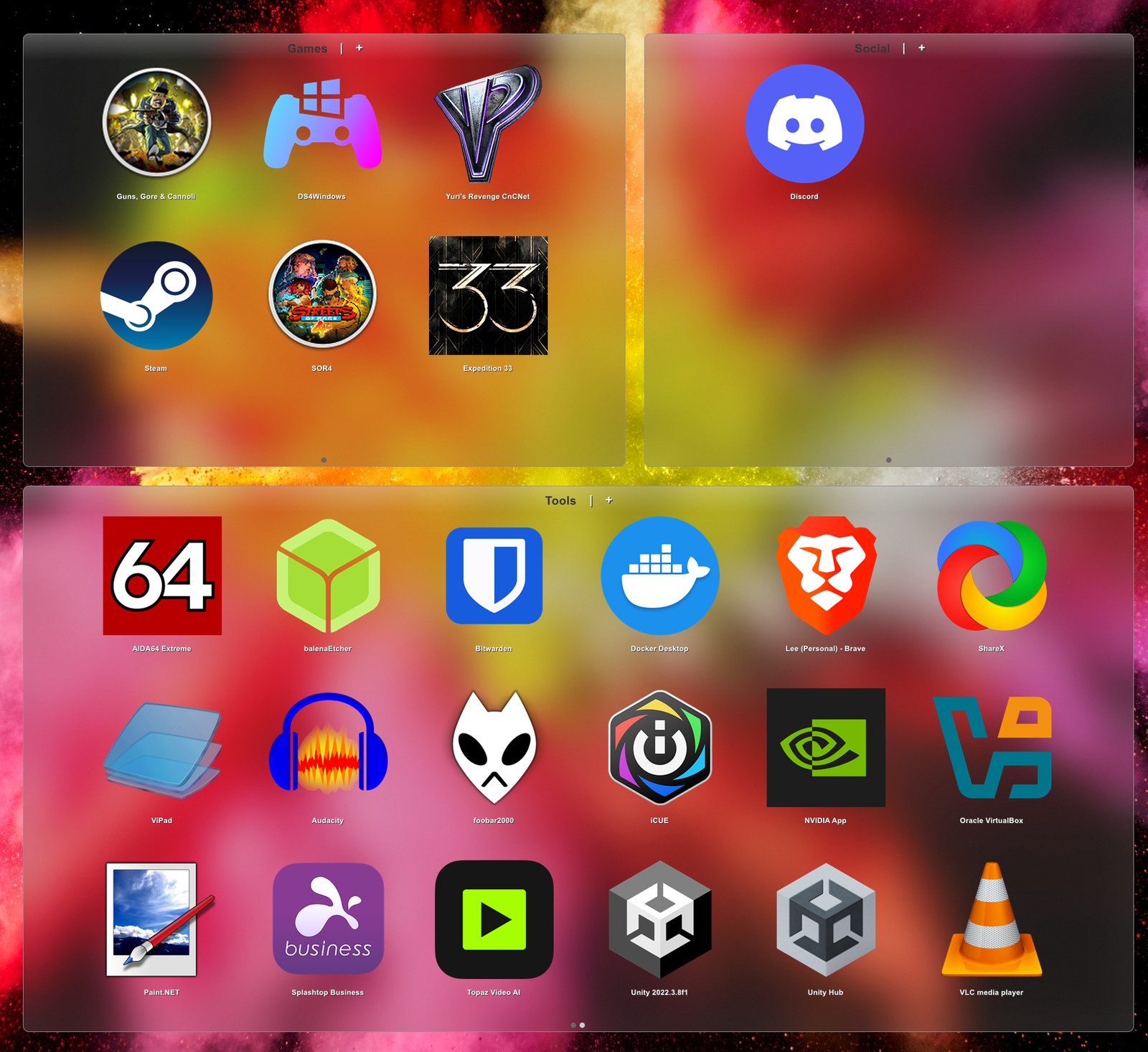
Real Windows 11 glass for your pads
Proper blur and rounded corners, snap-to-grid, and a desktop import that finally sweeps up everything you've got. Free, open source, under a megabyte. Read it →

Your Windows 11 apps, in your Windows 7 start menu
Store apps in All Programs and search with their real icons, working jumplists, and a menu that behaves on scaled displays. One installer, XP to 11. Read it →
ViPad vs Fences
Where the paid one genuinely wins, what ViPad does that it doesn't, and which you actually want. Read it →
github.com/lee-soft
All four apps are open. Original VB6 codebases plus .NET ports as I get to them.
Discord
Quiet, but I read everything. Best place for help, bugs, or feature ideas.
A few quid for the lights
There's a Patreon I'd half-forgotten existed. No perks anymore, no pressure.
Who makes this
Hi, I'm Lee Chantrey. I've been making little Windows utilities under the Lee-Soft name for nearly twenty years — start menu replacements, taskbar tweaks, dock launchers, that sort of thing. Stuff that came out of the era when modding your desktop was a whole hobby, before everyone gave up and let Microsoft win.
These days I don't have time to actively build new features, so the apps are becoming community projects. I'm slowly porting them to .NET and pushing the source to GitHub for anyone who wants to take them further. The Discord is open if you want to chat or ask for help — I'm in there, just don't expect a fast reply. I do still tinker: most recently I took Alexa out of an Echo Show and put Claude in it.
If you came here looking for the old binaries, they're still here and they still work — every one of them is up there, same as always.
A little history
ViStart started in 2006 as a prototype inside my friend Lucifiar's Vista Transformation Pack — a "make your XP look like Vista" mod that was massively popular at the time. He bundled the early builds, did QA on them, and was the first publisher of every version until I split it out as a standalone product in 2007 and gave Lee-Soft its own home.
It grew into a minor cottage industry. English-language coverage on AskVG, Softpedia, Lifehacker, even a mention in Windows 8 for Dummies (book). Internationally: Chip.de in Germany, and iP! magazine in Japan — whose editor wrote in asking to ship ViStart on the cover DVD-ROM, which is when I realised this had become A Thing. Marques Brownlee made a 2½-minute ViStart tutorial in 2009 back when MKBHD was a Windows-XP-customisation-era teenager — long before "the biggest tech YouTube on Earth".
Other apps followed — ViGlance, ViPad, ViFind, ViOrb, ViSplore — each filling a gap Microsoft kept leaving open. Plenty of help along the way: Lucifiar tested 900+ ViGlance builds and was QA-and-publisher for years, Alex / fediafedia kept the forums alive and shipped the Russian translation, skipper redid the installer in 2007.
The desktop-modding scene faded out around the time Windows 10 stopped fighting its users quite so hard, and life moved on. Nineteen years later the apps still work, the source is open, and the community still pings me with questions and patches now and then. That's enough.
↳ Want the long version? A proper history of Lee-Soft, year by year →